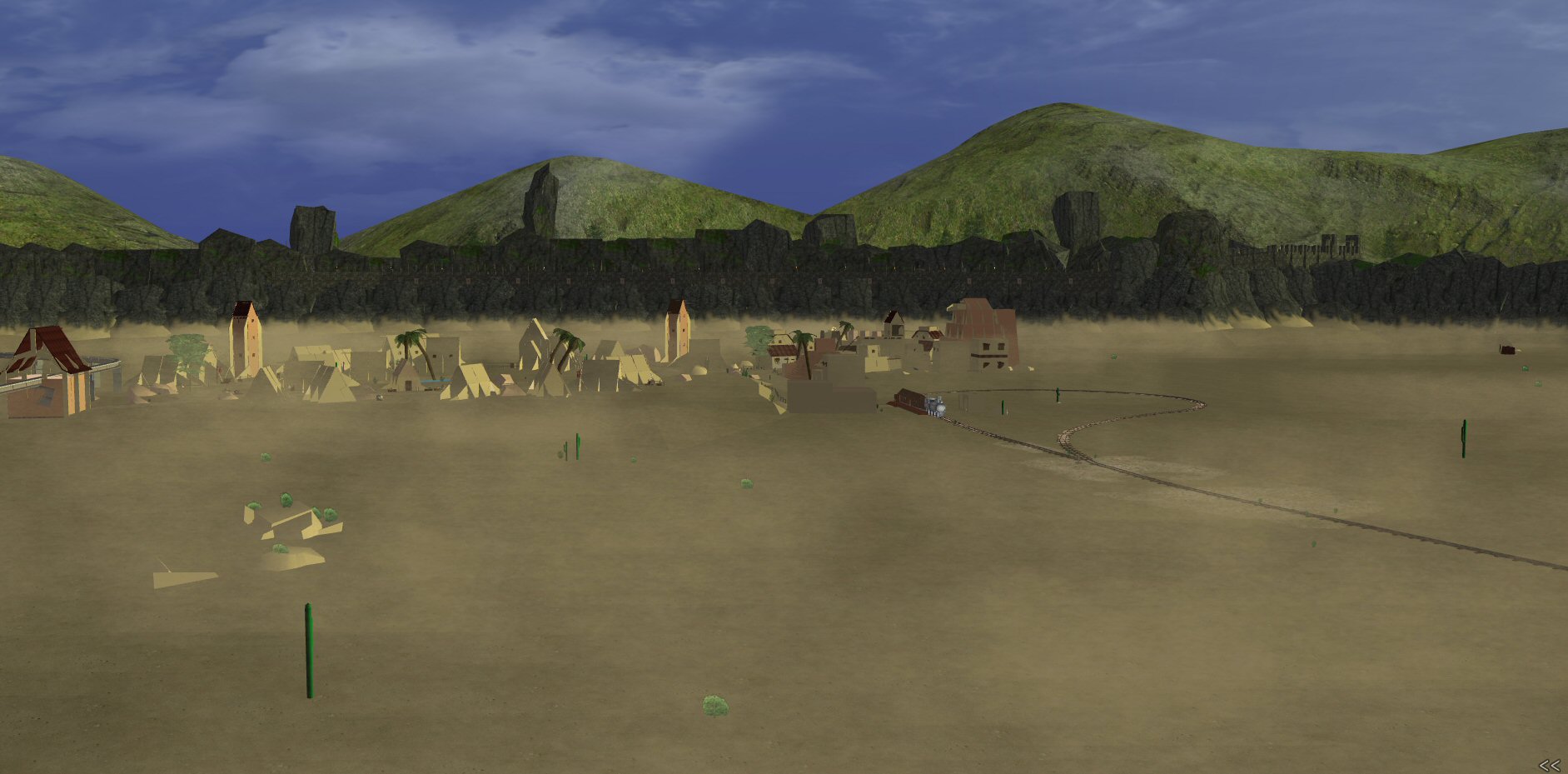
The past few builds have introduced many exciting new features to AW. We got 500m vis range, as seen below (click image for full size), timers and schedules to obsolete AA animations, and opacity commands for easier windowing and effects to obsolete dirty masks.
I’m not sure if timers are in the present build, but they’re gonna be great. Finally get animations to a basic command!
And in one fell swoop, fully half of the Academy website is invalidated.
Woah, sounds like a certain program’s trying to seduce me back.
I’ve got to sweep through so many of my old buildings with yasbb now, if it still works.
lol holy crap that screenshot = 500m? That’s quite the distance.. :O
No that’s 1km. It’s using a camera trick to move it to the edge.
Yay. If AWI keeps this up I might just have more than a few builds left in me after all.
Couple more 500m to 1km screenshots:
Faldon Village – 500m
James River Downtown – 500m
SW City GZ at 500m
Syntax Mansion’s Cy – 500m.jpg
Yulian Front Range – 1km.jpg
Here are some more high vis shots.
USS Glory
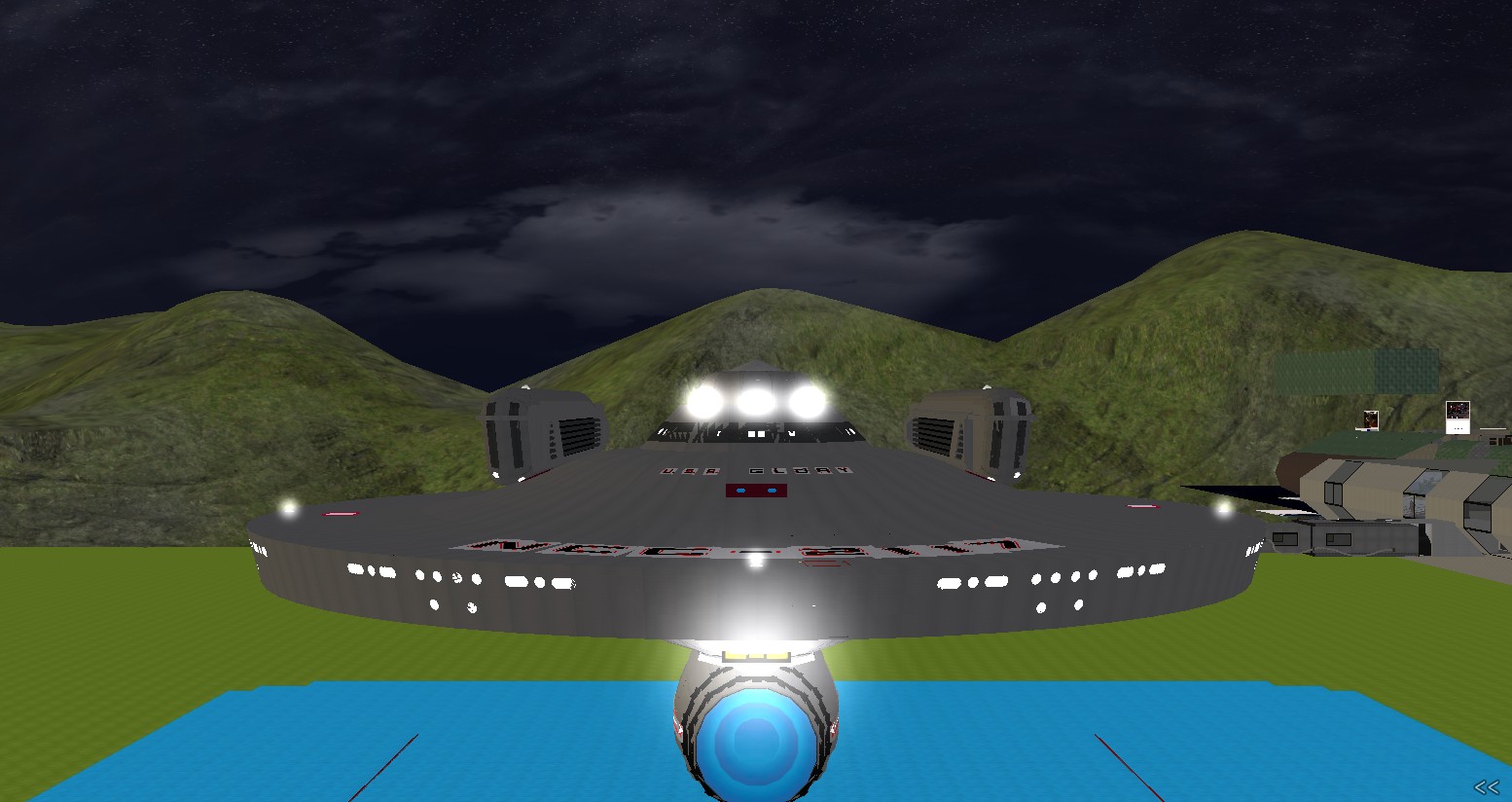
USS Glory
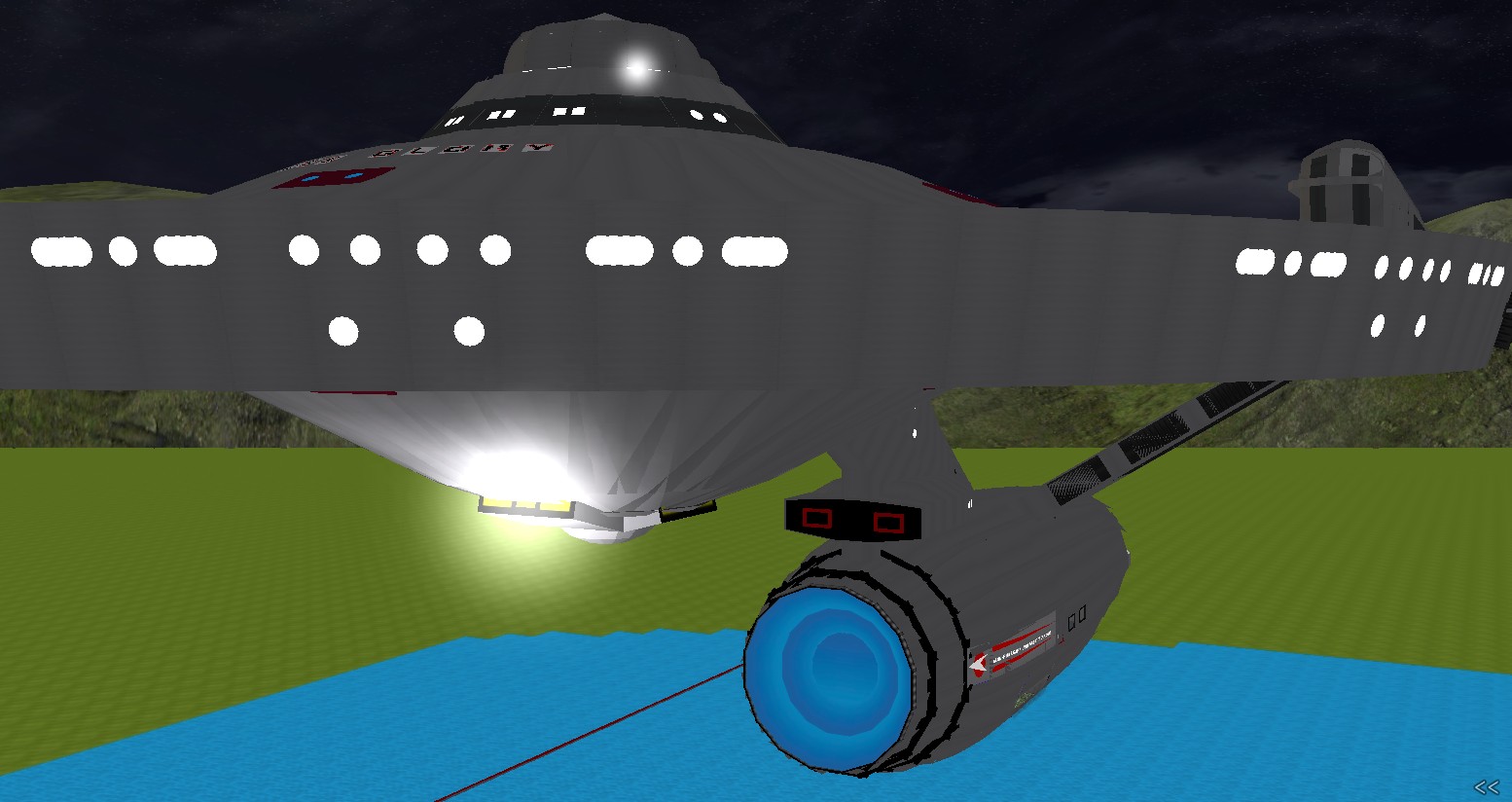
USS Pandora, big ol’ perpetual construction zone. The main (far) shuttlebay doors are about 450 meters away in this picture.
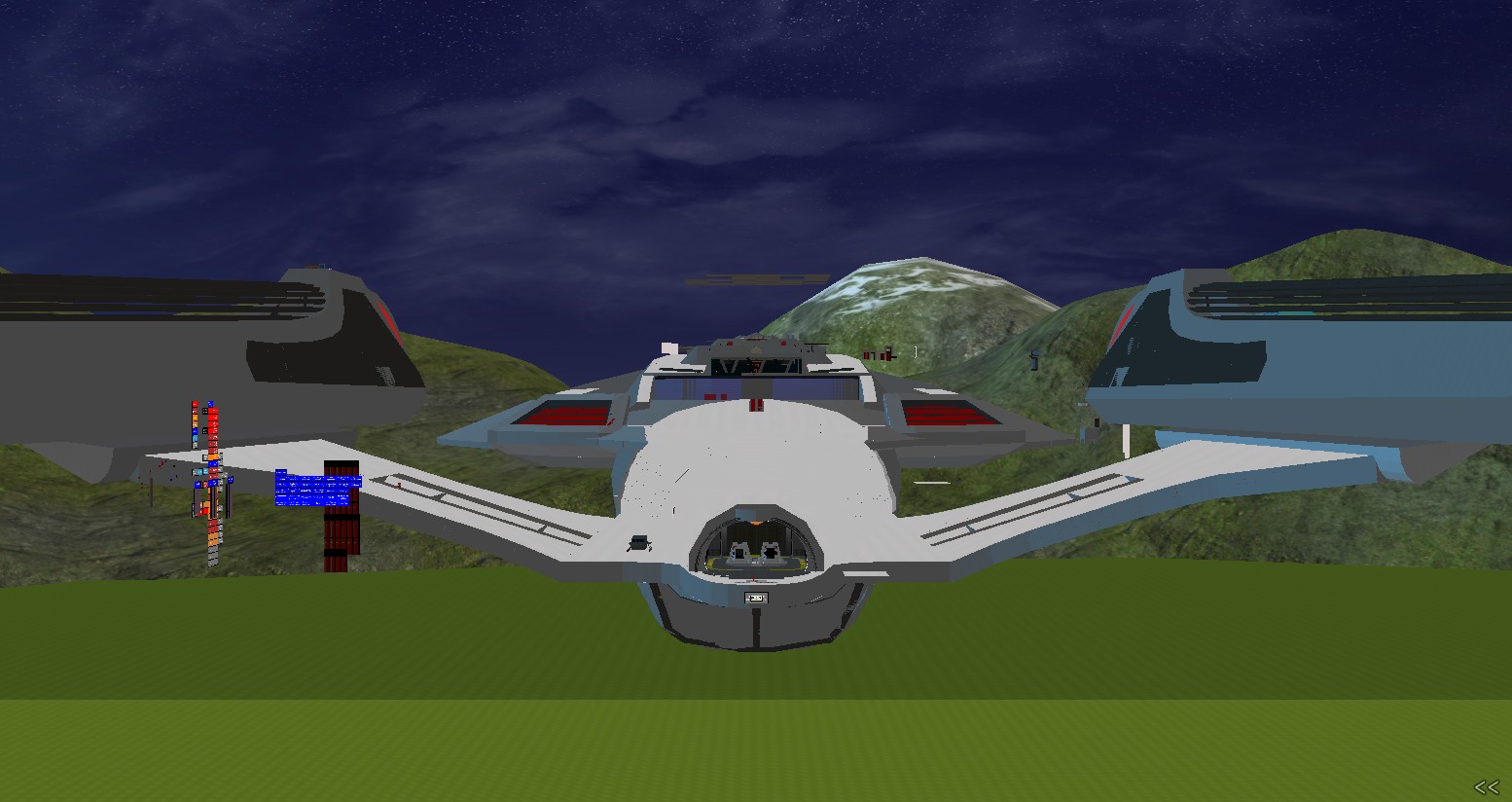
~900 meter vis of the Palais
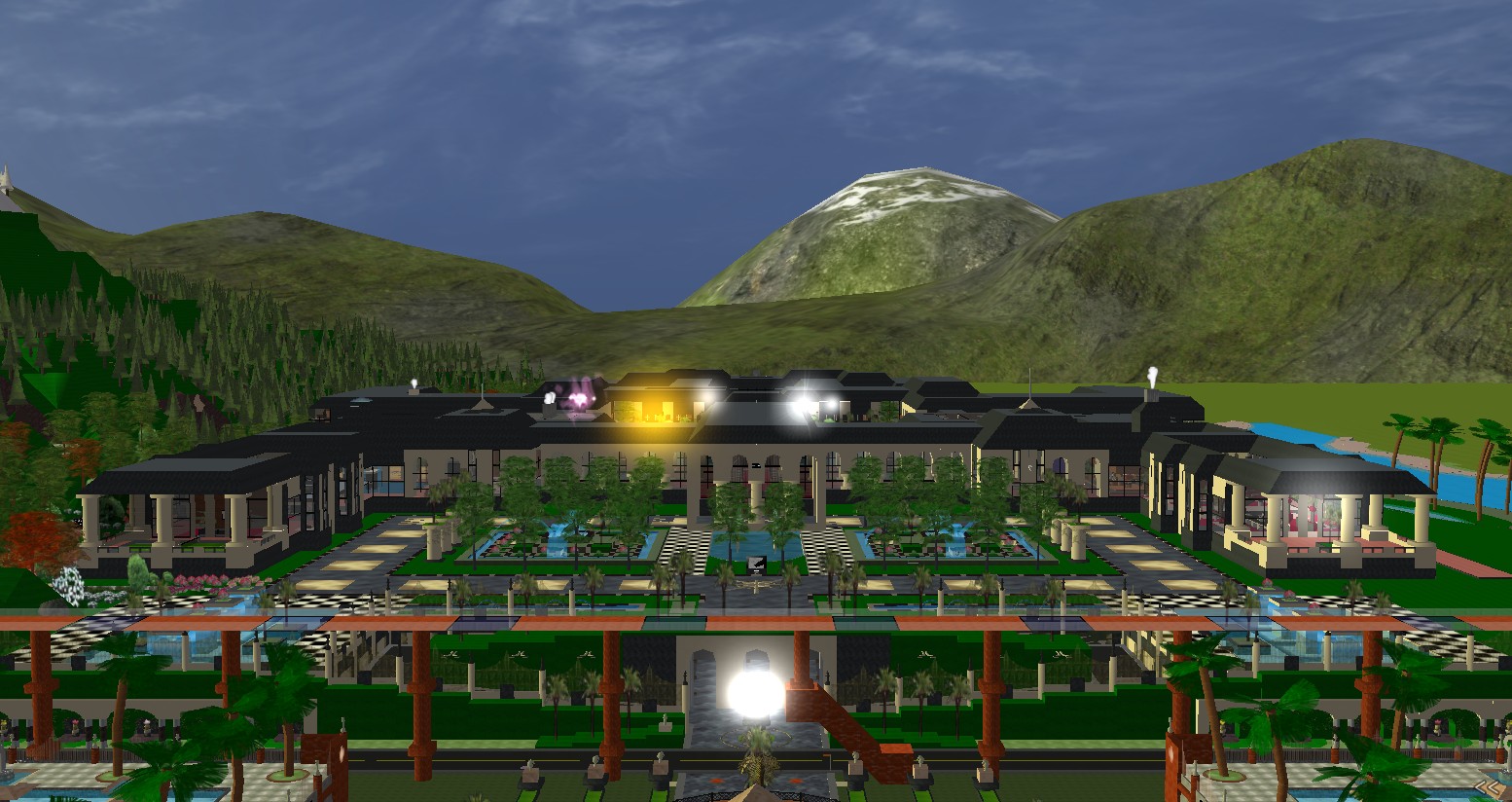
lol wow that last one is sweet
Syn!

I demand 1000m vis screenshots of your new MTNs
omg I had an idea, is it possible to put a camera on a mover, 500m offset from you, so you can do the camera trick at any location, even if it is not your build? If that is possible wouldn’t it be possible to do 1000m videos too?
Timers are now in the latest Beta build, released today.
Videos? lol. Even faldon desert, not being a very dense area, brings my computer to like 1 fps at 1km view
Yes videos are possible on multi-core CPUs. You would have to speed it up in post, however.
Btw how does this compare to SL? What visibility range does it sport?
Ok now you got me thinking…
lol oh god.. my poor laptop would explode. This thing is overheating just sitting here closed for cryin’ out loud.
SL supports 1024 meters, and runs quite well in superdense areas. Around 7 fps for me O_O
The load on a computer seems to involve RAM, not CPU, and even with the RAM it still doesn’t use all available on the computer.
When I do 500m vis shots, my CPU is only at 13% (it is a quad-core CPU, but still, 13% is low), but the RAM is 1.18 GB. I have 12 GB RAM on this PC, and even if AW is not a 64bit program, it still should be able to use up to 4GB, right?
So it looks like AW has a software limitation programmed in? Because the program still does freeze up for some reason. I don’t understand, is it possible the limit lies within my video card?
Nah a typical 32-bit app is only gonna be about to address somewhere around 1.8GB of RAM. Also if your quad core with hyperthreading, then you have 8 CPUs, so 13% = 100% for one. AW doesn’t multithread.
Chrispeg says AW does multithread for the parts that are not GPU-specific. Which would include physics calculations. But rendering and texturing would be bottlenecked by your video card.
Ahaha thank you guys. I now understand those bottlenecks I hit were legit and not some type of bug. I didn’t understand that the ram and cpu works that way. You guys are right I do have a quad-core CPU with hyperthreading (Intel Core i7 930), and 12GB or RAM with a 64-bit Windows 7 Ultimate.
I can not wait until AW can be 64-bit.
I wish I can check if I am reaching the limits of my video card, same way you can do with CPU and RAM, but I am so lost as to what is causing a limit using AW, I see DDR, VRAM, different speeds, I am SO CONFUSED. I have a NVIDIA GeForce GTX 260.
There’s more bottlenecks than you think. Ask chrispeg how occlusion queries are handled for coronas.
So, obviously, AW still have lot of works to do even after lot of new features added in last 15 years…. those bottlenecks make AW browser still feeling somewhat outdated even with new features. :/
On 64-bit systems, the full 4GB of address space should be available (It is certainly available on Linux and OS X)
One of the features in 1164:
* Enhanced matfx to take the viewer’s distance to the object into account.
Matfx objects don’t appear to shimmer from a distance now
cool, any good examples of what used to look bad but looks good now?
Sooooo sweeeeeeeeeeeeeeet.
yea, spoke too soon, matfx still shimmers a lot.
Okay, matfx was improved some more in 1168. Now it looks awesome! EG that crappy building in cirrus street looks great now. No shimmer at all <3
Wow, yeah, matfx is fantastic now. I might actually be motivated to continue work on the ship. With all the new stuff coming out, I have much reason to sweep over much of this and delete some excess objects.
*pictures a computer saying “delete, delete, delete” as you clicks delete button repeatedly*
I’ll have to visit Cirrus Street sometimes to see what’s new with matfx. How does matfx affects performance? All street lamps in city of Rockford has matfx applied to them but I have suspicions that they may be causing lag for some people on system significantly different from mine.
I am just going to wait until an actual bump attribute gets added for texture command. There is bump support for RWX models now too, and I believe it works better than using a matfx.
I’d personally like to see a better implementation of remote texturing. While objects can say “create texture X name=Y” objects Y won’t get reloaded with that texture at all unless the command refreshes all the time.
That place looks good now.. seems to have fixed a problem with some matfx shades coming in differently on various objects.